Contadino
Make room for focused work.
A chapter to read, an idea to chase, or that project patiently waiting for you. Give it a little time with Contadino, then look back at what you worked on.
Mac · iPhone · iPad · Apple Watch · Vision Pro
View on the App Store Support & details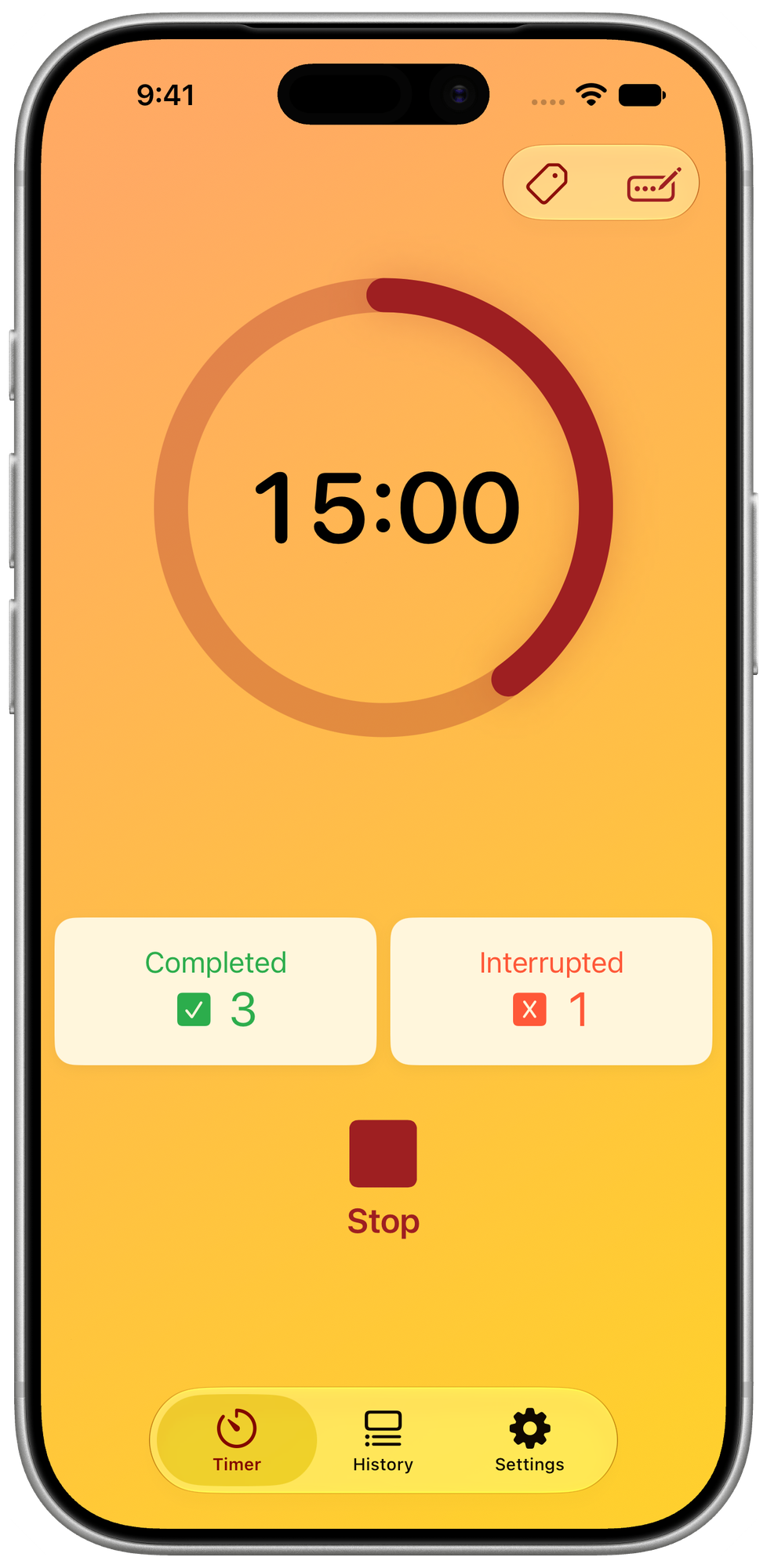
Start with one thing. Choose how long you want to spend on it, press Start, and settle in. Keep working when you’re in the flow, or stop when you need to. There’s room for the way your day actually goes.
Remember what the time was for.
At the end of a busy day, it can be hard to remember where your attention went. Contadino keeps your sessions together, including the ones that were interrupted.
Add a note about where you left off, or a tag for the project you were working on. When you look back, you’ll have more than a list of times.

Make yourself comfortable.
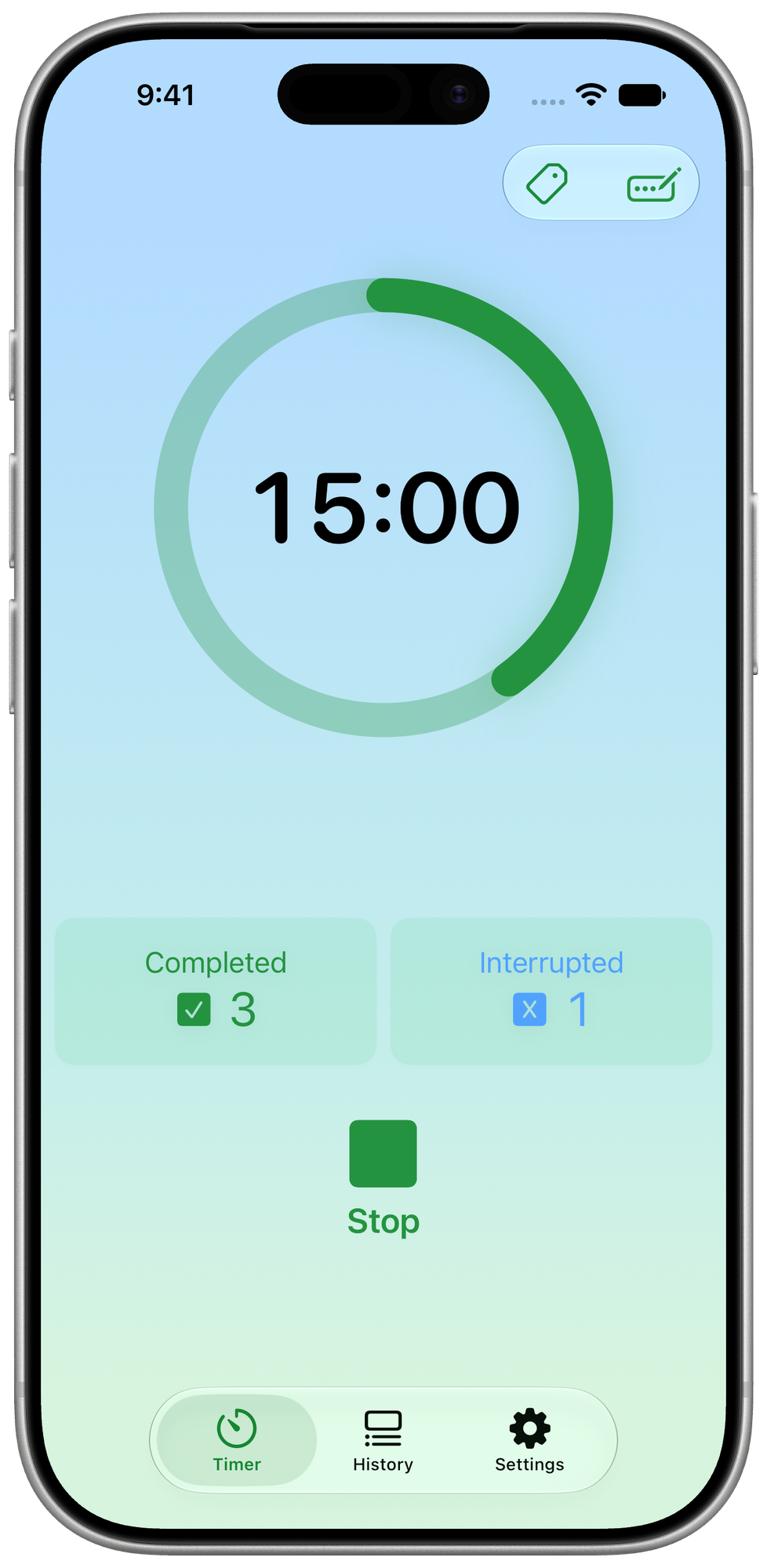
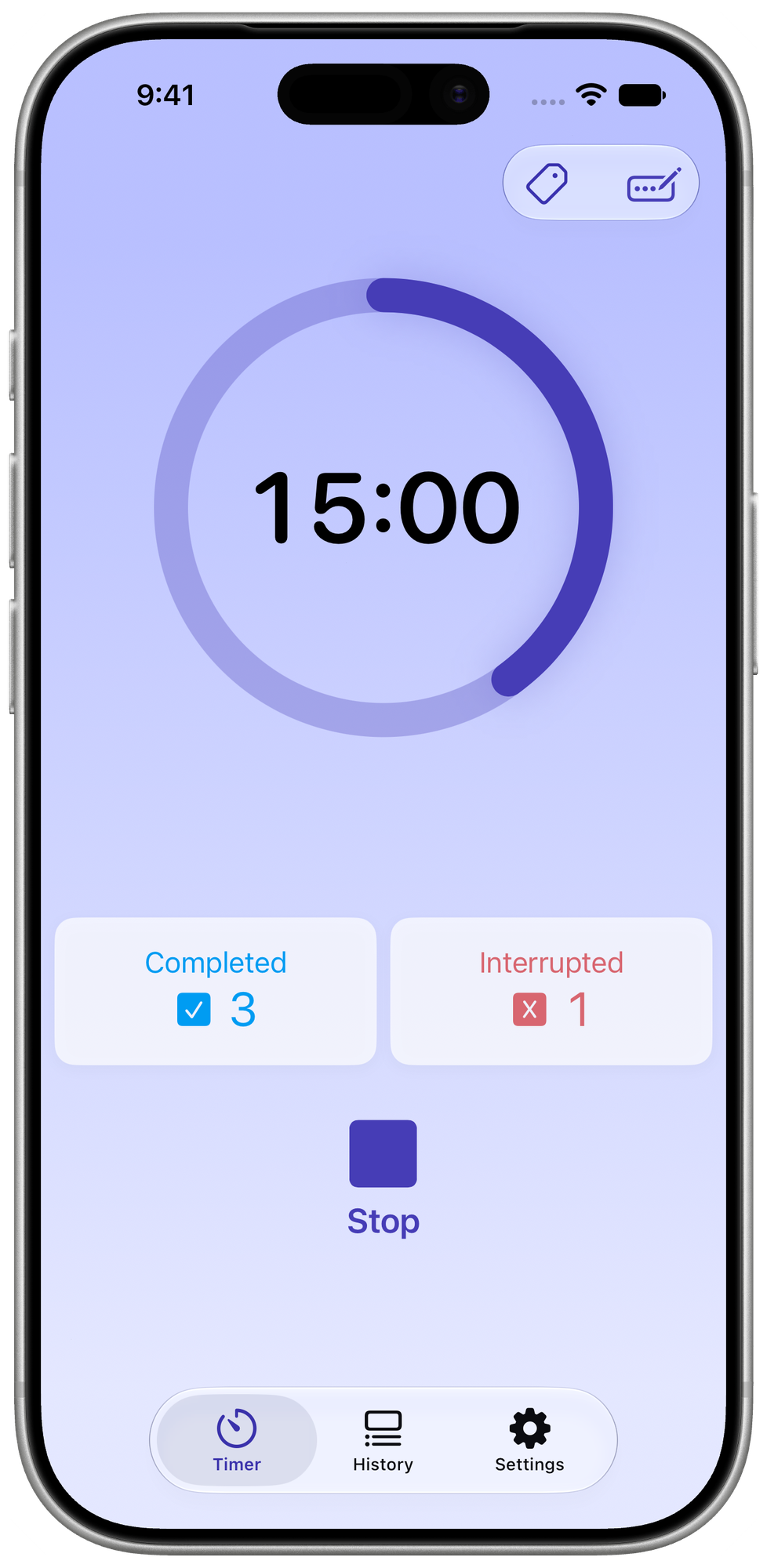
A quiet blue, a little warmth, or something in between. Choose a theme you enjoy spending time with.
A place to focus, wherever you settle in.
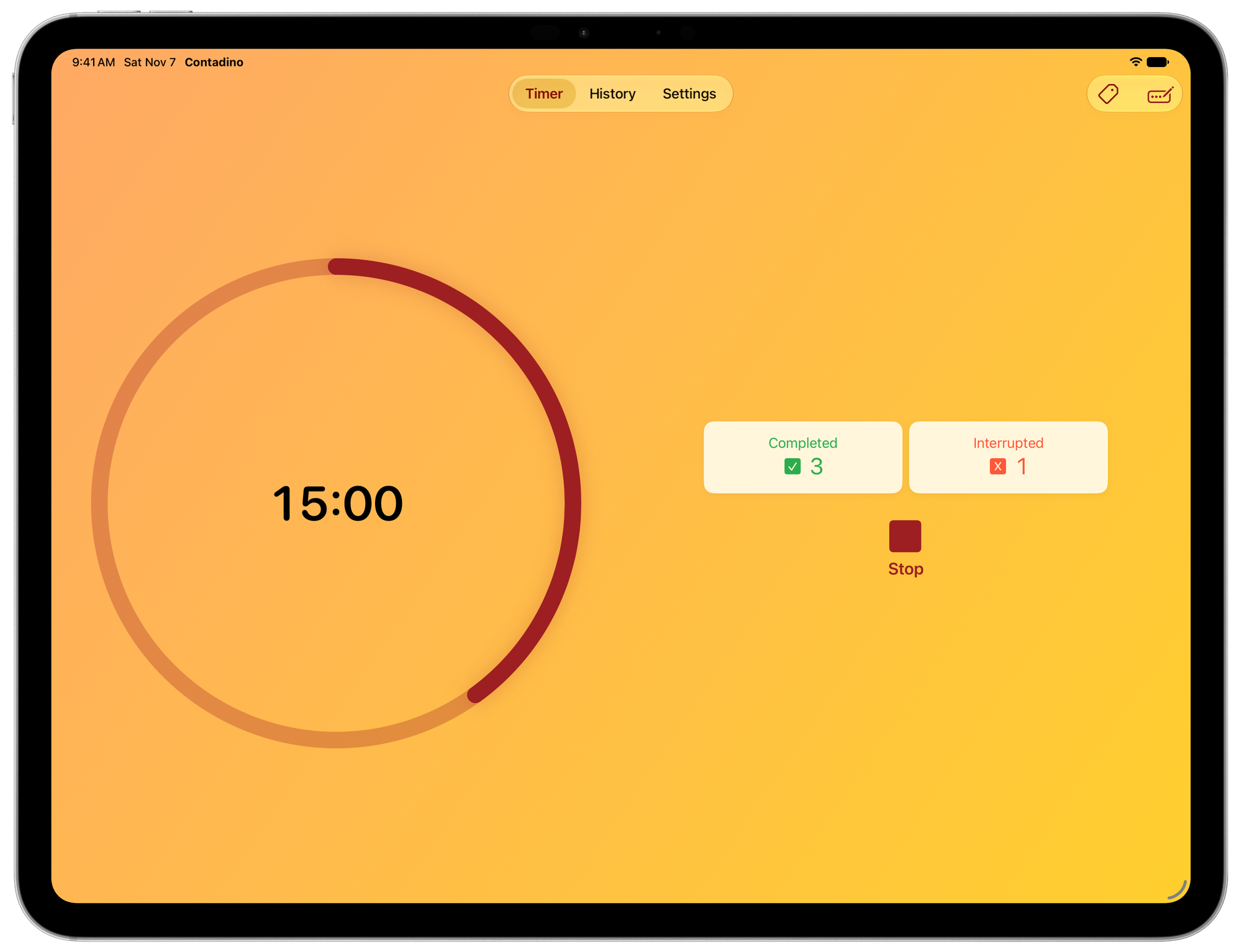
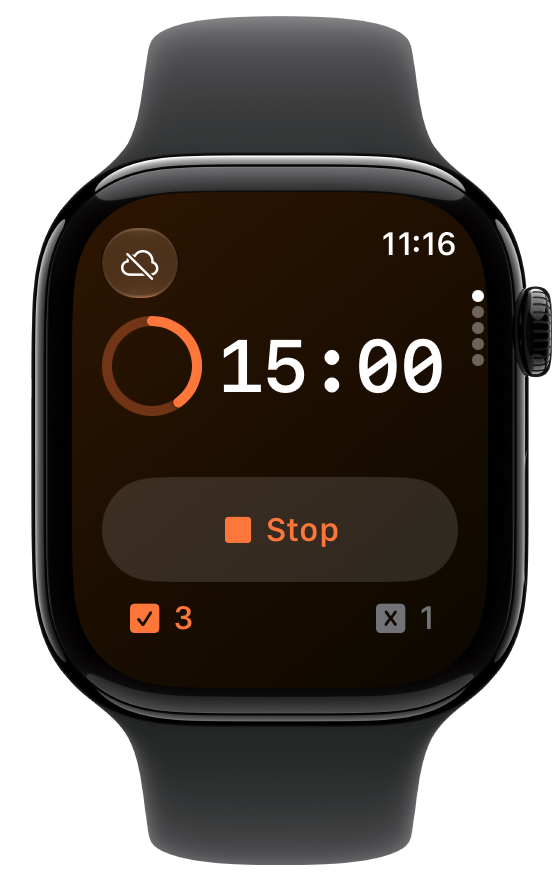
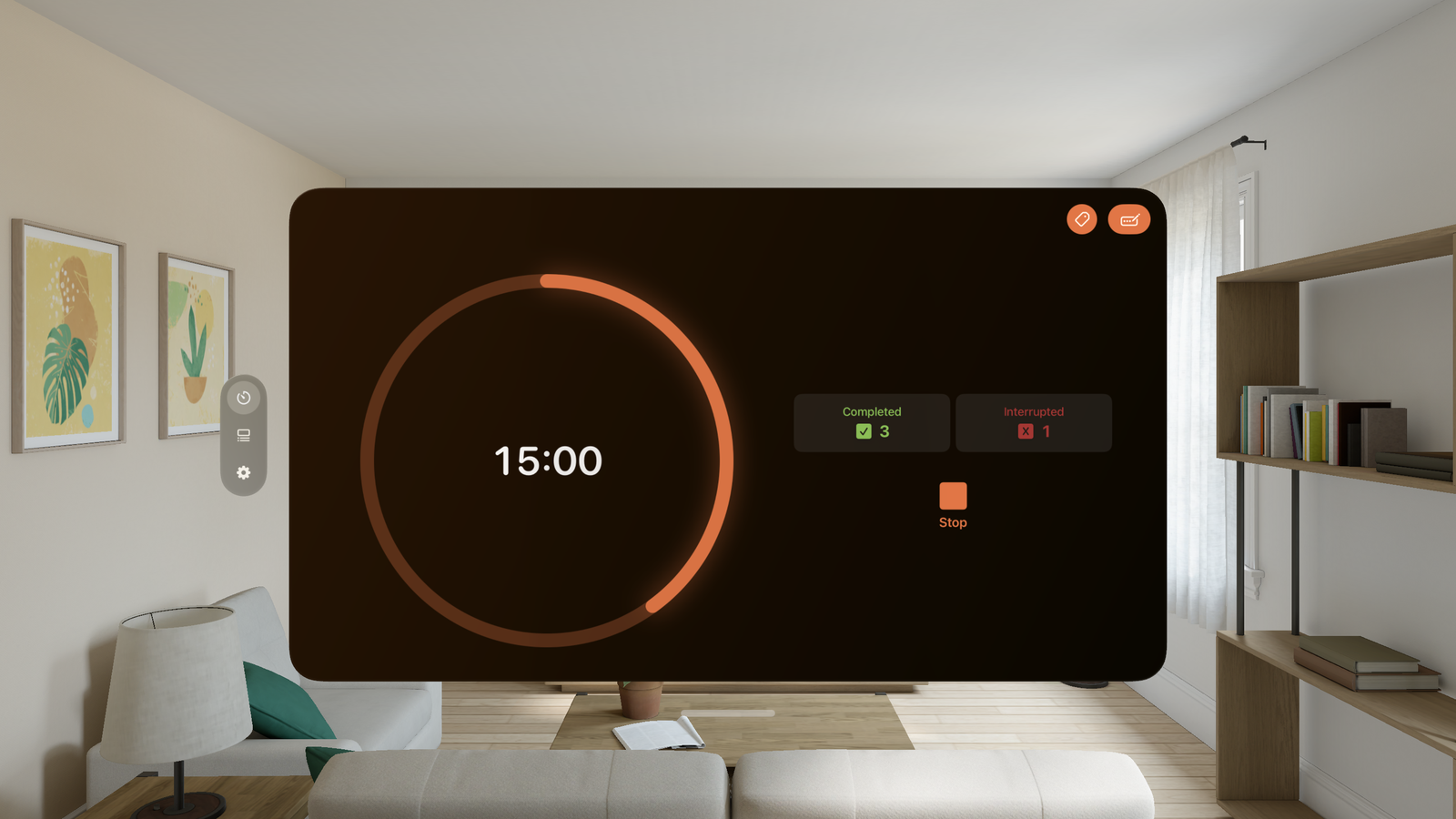
At your desk, with your iPad, or in your own space on Vision Pro. Contadino is at home across your Apple devices, with session history synced through your iCloud account. On Apple Watch, a glance at your wrist keeps your timer close.
Start free. Keep more with Contadino+.
The free app includes today and the previous two days of session history. Contadino+ is an optional, one-time purchase that unlocks older history and lets you edit session times and completed counts.
What would you like to make time for?
Start your next session with Contadino.